
Views: 0 Author: Site Editor Publish Time: 2026-04-21 Origin: Site


Choosing a checkout system sounds simple until you realize how much can go wrong. Pick a register that is too basic, and it may slow down sales, limit payment options, and create extra manual work. Choose a system that is too complex, and you may end up paying for features your business does not actually need.
That is why selecting from today’s POS Cash Registers requires more than comparing prices or hardware. A good POS cash register system for small business should match your sales environment, support your staff, handle daily transactions smoothly, and leave room for growth. For some businesses, a basic setup is enough. For others, the right POS cash register for retail store use needs inventory tools, reporting, customer management, and flexible POS hardware.
In this article, we will discuss how to choose a POS cash register based on your business type, checkout needs, budget, and long-term goals. You will learn what features matter most, how to compare cash register software and hardware options, and how to find the best fit for your store without overpaying.
The first step is simple: do not start by comparing brands. Start by looking at how your business works each day.
A small gift shop has different needs from a café. A clothing store needs barcode scanning and inventory control. A mobile seller may need a handheld device and quick contactless payments. A business that sells online and offline may need one point of sale system that keeps products and orders synced across both channels.
Ask these questions before you compare any POS cash registers:
Do we sell from one counter or many?
Do we need mobility?
Do we carry many SKUs?
Do we need staff accounts?
Do we sell online too?
Do we need customer data or loyalty tools?
These questions help you avoid overbuying or underbuying. Many businesses pay for advanced features they never use. Others choose a basic register, then replace it within a year because it cannot support growth.
Tip: Write down your daily checkout problems first. Then match features to those problems.
Not every business needs a feature-heavy platform on day one. Some only need a reliable register for cash and card payments. Others need a retail POS system that handles inventory, reporting, and customer management.
A basic electronic cash register usually works best for very simple checkout needs. It can total sales, print receipts, and open a cash drawer. A full POS cash register system for small business usually adds software, cloud access, reporting, inventory tools, and integrations.
Very small product catalog
One selling location
Low daily transaction volume
Limited reporting needs
No ecommerce channel
Many products or variants
Frequent stock changes
Multi-staff operations
Need for real-time reporting
Omnichannel sales
Plans to scale
For many retailers, the real choice is not “cash register or POS.” It is “how much capability do we need now, and how much will we need in 12 to 24 months?”
Tip: Replacing the wrong system later often costs more than choosing the right one now.
Feature lists can get long fast. That is why it helps to separate essential functions from growth functions.
At a minimum, most POS cash registers should ring up sales quickly, accept common payment methods, issue receipts, and track daily transactions. These basics appear across the source materials.
Beyond that, the best POS cash register for small business often includes tools that save time and improve visibility.
Fast checkout
Cash, card, and mobile payment support
Receipt printing or email receipts
Secure cash drawer support
Basic sales totals and end-of-day reporting
Inventory management POS
Customer profiles and loyalty
Staff permissions and tracking
Refund and return workflows
Multi-location reporting
Ecommerce sync
App integrations
Inventory management is especially important for retail. If a retail POS cash register cannot help you see stock levels, fast sellers, and low-stock items, it may create more manual work than it removes. Reporting matters too. Good reports show what sold, when it sold, and how the business performed over time. The uploaded guides highlight both inventory and reporting as key value areas.
POS hardware affects speed, space, and staff comfort. Many businesses focus on software first, then forget the daily impact of hardware.
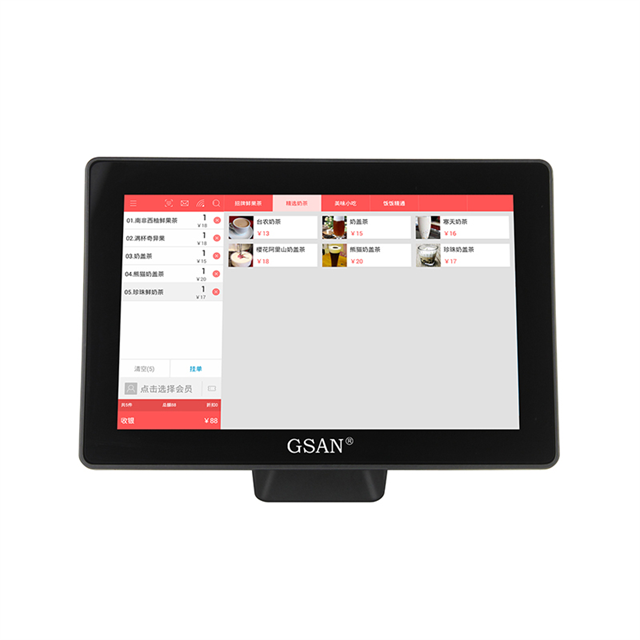
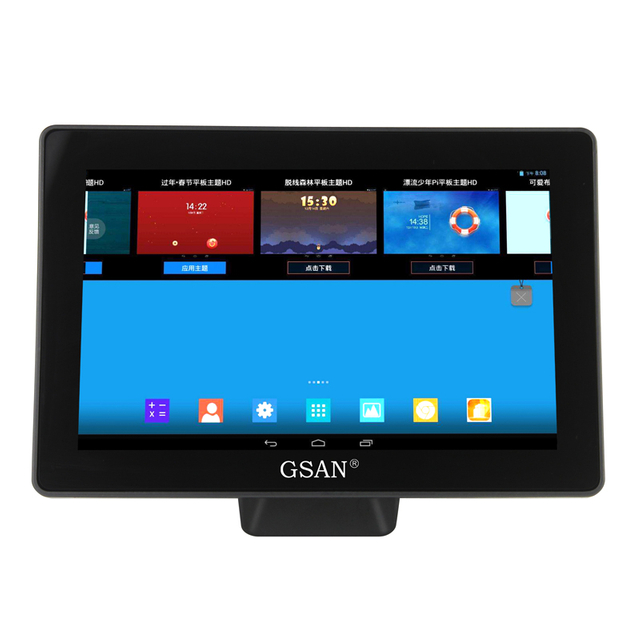
A countertop touchscreen cash register works well for a fixed checkout station. It fits stores that serve customers from one main payment area. A mobile device works better for line busting, pop-up selling, food service, or tableside checkout. The sources repeatedly note that form factor matters because mobility needs vary by business model.
Common POS hardware includes:
Hardware | Best for | Why it matters |
Terminal or tablet | Fixed counters | Main checkout screen |
Card reader | All businesses | Card and contactless payments |
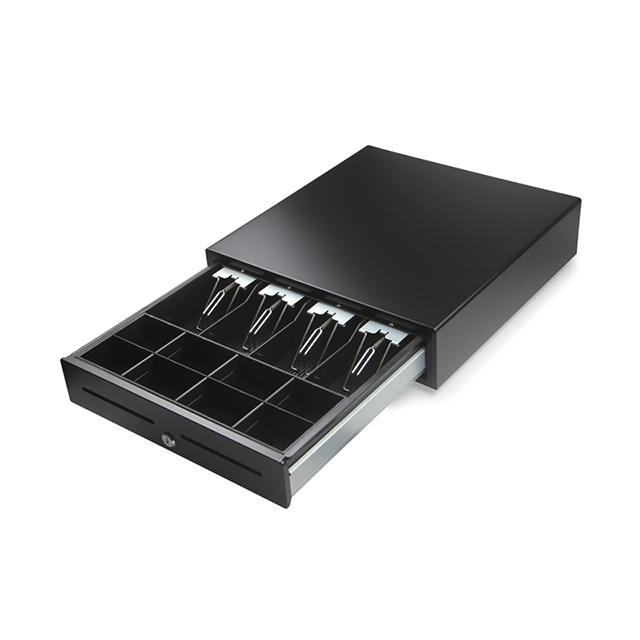
Cash drawer | Cash-heavy stores | Secure bill and coin storage |
Receipt printer | Retail and food service | Printed proof of purchase |
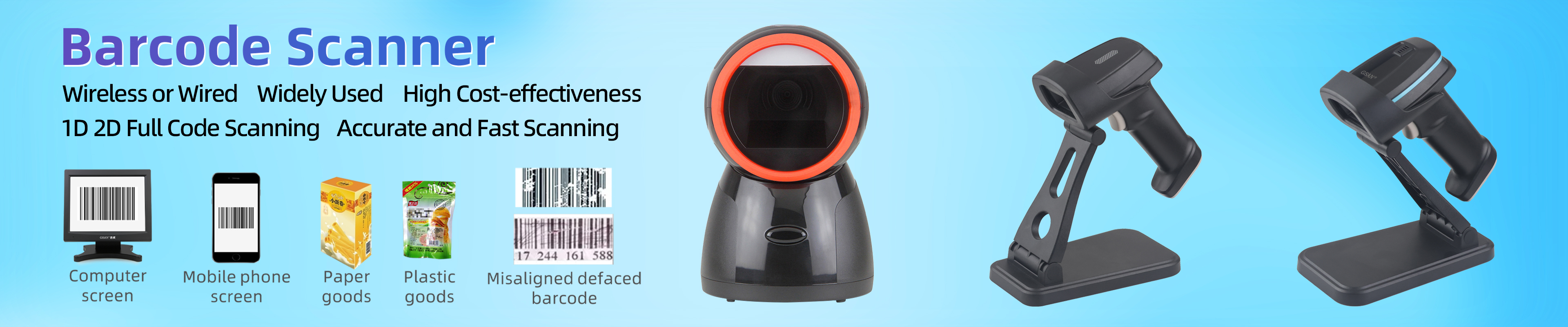
Barcode scanner | Product-based businesses | Faster and more accurate checkout |
Customer display | Busy checkout lanes | Better transparency at payment |
Before buying, confirm compatibility. Some POS hardware only works inside one vendor ecosystem. Others support more open setups. The Shopify and Fiserv materials both note that compatibility and bundled hardware options can vary widely.
Also think about transaction volume. One register may be enough for a boutique. A busy retail store may need two or more stations during peak hours.
Tip: Good hardware should reduce clicks, movement, and checkout delays, not just look modern.
Price is a major selection factor, but it is also where many businesses make weak decisions. They compare the monthly fee and stop there.
A POS cash register system for small business can include several cost layers:
Hardware purchase or lease
Monthly software subscription
Payment processing fees
Setup or onboarding fees
Support or training fees
Upgrade costs
Contract cancellation fees
Other sources stress this point clearly. One guide breaks the system into software, hardware, and payment processing. Another warns buyers to ask about full costs, not just the headline price.
Here is a simple cost view:
Cost area | What to check |
Hardware | Upfront price, replacement cost, warranty |
Software | Monthly plan, feature tiers, user limits |
Processing | In-person rate, keyed-in rate, flat fee |
Support | 24/7 access, premium support fees |
Contracts | Minimum term, exit cost, renewal terms |
A cheaper system is not always the better value. If it slows staff down, lacks reports, or cannot track inventory, it may cost more over time through labor, errors, and missed sales opportunities.
A POS system handles payment data, sales records, and often customer information. That makes security a core requirement, not a bonus.
The source materials highlight PCI compliance, encryption, and secure payment handling as important evaluation points. They also emphasize access control and safe transaction processing.
When reviewing a provider, check:
PCI compliance
Encrypted payment handling
Role-based staff access
Transaction tracking
Secure cloud storage
Reliable software updates
Integrations matter too. A strong cash register software setup should connect to the tools you already use or plan to use. Common examples include accounting software, ecommerce platforms, loyalty tools, and inventory systems.
Support quality is another part of reliability. If your system fails during a weekend rush, you need help fast. The uploaded guides recommend checking live support, response times, and self-help resources.
Is support available 24/7?
Can we add integrations later?
Can we export our data easily?
How often do you update the software?
What happens if the internet goes down?
The best POS cash register for retail store use may not fit restaurants, salons, or mobile sellers. Industry fit changes which tools matter most.
Retailers usually benefit from barcode scanning, stock tracking, returns handling, promotions, and customer purchase history. A retail POS system should also help with fast product lookup and variant management.
Restaurants and cafés often need fast order entry, receipt control, split payments, and staff workflow support. Mobility may matter for tableside service.
A mobile POS cash register setup works well for markets, events, and temporary spaces. Portability, battery life, and contactless payments matter more here than a full counter station. One source specifically notes mobile POS as a good fit for sellers without a fixed location.
If you sell online and in person, unified inventory and order sync become much more important. A point of sale system that supports both channels can reduce overselling and manual updates. Shopify’s article directly highlights this omnichannel use case.
Once you shortlist a few options, test them. Do not rely only on sales demos or homepage claims.
Both the Akaunting and Fiserv materials recommend demos or free trials, and suggest checking how the system handles real tasks.
Use this checklist during a trial:
Ring up a sale
Process a refund
Add or edit a product
Update pricing
Scan an item
Run a daily report
Open and close the cash drawer
Switch staff accounts
Check mobile payment flow
Review support contact options
Also read user reviews. Look for repeated complaints about downtime, slow support, hidden charges, or hard setup.
Decision area | What good looks like | Red flag |
Features | Supports your real workflow | Long list, low relevance |
Hardware | Fits space and traffic | Poor compatibility |
Cost | Clear 12-month total | Hidden fees |
Security | PCI and access controls | Vague answers |
Integrations | Works with key tools | Closed ecosystem only |
Support | Fast and reachable | Limited hours |
Scalability | Easy to add users or channels | Forced replacement later |
Tip: If a provider cannot explain costs, support, and compatibility clearly, treat that as a warning sign.
Choosing among POS cash registers gets easier when you narrow the decision to a few core questions. What does your business sell? Where do you sell it? What slows your team down today? What do you need the system to handle next year?
The right POS cash register should process payments fast, match your hardware needs, provide the right level of reporting, protect payment data, and connect to the systems you rely on. Before you decide, compare a few vendors side by side. Request a demo. Test real tasks. Review the full 12-month cost. Then choose the system that helps your team work better, not just the one that looks cheapest on paper.
In conclusion, the best choice is one that fits current needs and remains useful as the business grows. For businesses looking for reliable POS solutions, GSAN stands out by offering practical features, flexible hardware options, and tools that help improve checkout efficiency, store management, and overall operational value.
Q: What are POS Cash Registers?
A: They process payments and often add reporting, inventory, and customer tools.
Q: How do I choose a POS cash register?
A: Match it to your business type, payment flow, budget, and growth plans.
Q: Why choose POS Cash Registers over a basic cash register machine?
A: They offer better tracking, faster checkout, and more business visibility.
Q: How much does a POS cash register system for small business cost?
A: Costs include hardware, software, and payment processing fees.
Q: What should a retail POS cash register include?
A: It should support inventory, receipts, card payments, and easy daily reporting.