
Views: 0 Author: Site Editor Publish Time: 2026-04-28 Origin: Site


Have you ever wondered why some stores still use basic registers while others rely on smarter checkout systems? The answer often comes down to one key question: what is a POS cash register, and why has it become such an important tool for modern businesses?
At first glance, a point of sale cash register may look like a standard checkout machine. In reality, it usually does much more. Unlike a traditional register, many POS Cash Registers can process payments, track inventory, store sales data, and support better business decisions. That is why so many retailers and small business owners now see the POS cash register system as more than just a way to ring up sales.
In this article, we will discuss the POS cash register meaning, how it works, how it compares to a basic register, and what features make it valuable for growing businesses. You will also learn whether a POS register for small business is the right fit for your store and what to look for before choosing one.
A POS cash register is more than a drawer for cash.
It is a checkout system that combines hardware and software.
It records sales, accepts payments, prints receipts, and supports daily store operations.
In many businesses, it also tracks stock, stores customer data, and generates reports.
If you have searched what is a POS cash register, you likely want a simple answer first.
A point of sale cash register is the place where a sale happens and the system behind it.
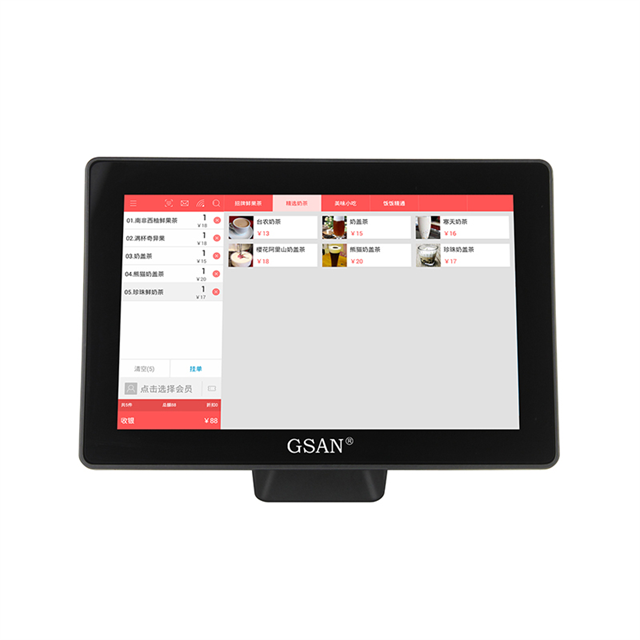
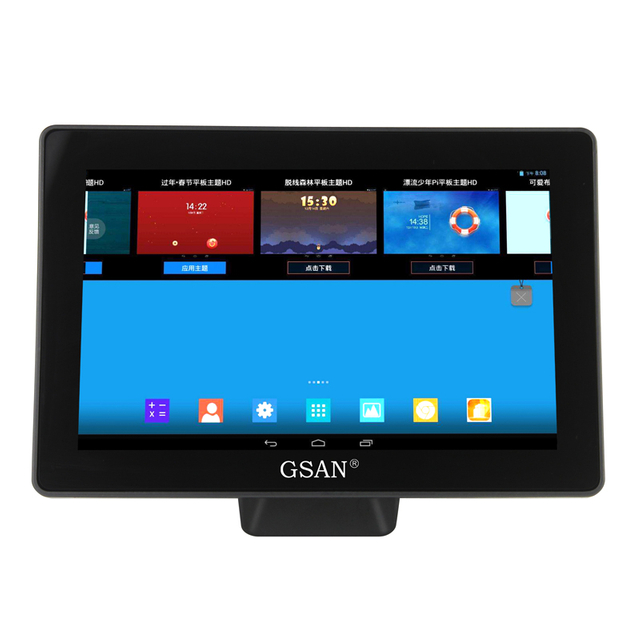
It can look like a countertop terminal, a tablet, a mobile device, or an all-in-one setup.
What makes it different from a basic register is not only the screen.
It is the software, the payment connection, and the business data it creates.
The simplest POS cash register meaning is this:
it is a register-style checkout system powered by POS software.
A traditional register mainly totals sales and stores cash.
A POS cash register system does that, but also helps run the business.
It turns each transaction into usable data.
So, the best POS cash register definition is not “a modern cash drawer.”
That is too narrow.
A better definition is:
a checkout system that processes sales and connects them to inventory, reporting, customer management, and payment tools.
This matters because many buyers still assume a POS register is only a digital version of an old machine.
It is not.
It is usually the center of day-to-day operations.
For a retailer, it can update stock after every sale.
For a café, it can speed up orders and payment flow.
For a multi-location brand, it can keep data in sync.
If you want the short version of how does a POS cash register work, the flow is simple:
A cashier scans or enters an item.
The system calculates totals, tax, and discounts.
The customer pays by cash, card, mobile wallet, or contactless method.
The system prints or sends a receipt.
It records the sale and may update stock in real time.
That workflow looks basic on the surface.
The real value sits behind it.
A modern system can also trigger loyalty points, log staff activity, flag low stock, and feed sales data into reports.
That is why many operators move from a basic register to POS Cash Registers as their needs grow.
Most setups include these parts:
Component | What it does |
Touchscreen terminal | Runs sales, reporting, and inventory tasks |
Cash drawer | Stores physical cash securely |
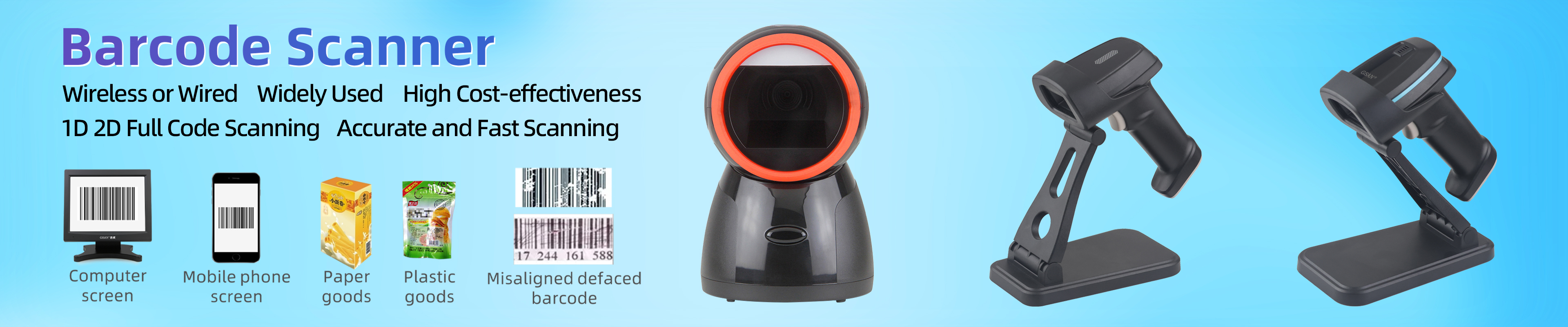
Barcode scanner | Speeds up item entry |
Receipt printer | Prints transaction records |
Card reader | Accepts card and contactless payments |
POS software | Manages sales, customers, stock, and analytics |
This mix can be all-in-one or modular.
Some businesses want a fixed counter setup.
Others want a flexible tablet-based setup.
Tip: For B2B buyers, ask how many parts can fail without stopping checkout. Redundancy matters.
The biggest difference is simple.
A traditional cash register helps complete a transaction.
A POS system helps manage the business around that transaction.
That is the heart of the electronic cash register vs pos system debate.
Electronic cash registers can do more than mechanical ones.
They may show digital totals, print receipts, and support limited reporting.
Some can even work with barcode scanners.
Still, they usually remain narrow tools.
A POS system goes further.
It often supports:
integrated payments
inventory tracking
customer profiles
promotions and loyalty tools
cloud access
multi-location management
ecommerce integration
advanced reports
Feature | Traditional Cash Register | POS Cash Register |
Payments | Basic cash and some card support | Cash, card, mobile, online |
Inventory | Manual or none | Real-time, automated |
Reporting | Minimal | Advanced and customizable |
Multi-location use | Limited or unsupported | Supported |
Customer tools | Limited | CRM, loyalty, promotions |
Integrations | Rare | Accounting, ecommerce, marketing |
That does not mean the old option is useless.
A simple store may still prefer it.
If you only need to accept payments and track daily sales, it can be enough.
But once you need more visibility, automation, or growth support, the gap gets wide fast.
Many articles stop at the definition.
That leaves readers stuck.
The better question is not only what a POS register is.
It is what it helps you do.
Modern POS systems can connect the sale total to the payment terminal automatically.
That reduces manual entry.
It also lowers error risk and speeds up checkout.
A basic register often needs separate entry on a card terminal.
This is one of the clearest upgrades.
A sale can reduce stock instantly.
The system can also help flag low inventory.
That is especially useful in retail, where stock accuracy affects both sales and reordering.
Some businesses buy a POS for payment speed.
They keep it for reporting.
Sales by item, staff performance, busy hours, and trend data help owners make stronger decisions.
Basic registers may offer only simple reports.
A cash register POS system can do more than ring up sales.
It can store customer profiles, support email receipts, and connect with rewards programs.
That is useful for repeat business and better service.
Cloud-based setups can support remote access, ecommerce sync, and app connections.
That matters for growing brands.
It matters even more for multi-location operations.
Not every point of sale register fits the same business.
The best choice depends on how and where you sell.
These are common in retail stores and service counters.
They feel familiar and stay in one place.
They are a strong fit when you want stable, full-feature checkout.
These work well for pop-ups, food trucks, events, and line-busting in stores.
They reduce setup friction and support on-the-go transactions.
For many operators, they offer more flexibility than a bulky fixed register.
These are ideal for multi-location and omnichannel businesses.
They help teams sync data across stores and online channels.
That is a major reason they appeal to growing brands.
Some industries need tailored workflows.
Retail stores need SKU tracking and promotions.
Restaurants need split bills, tips, and kitchen routing.
Salons may need booking and commission features.
Tip: Do not buy a “general” system first if your workflow is specialized. Industry fit saves rework later.
A pos register for small business is not automatically the right move.
But it often becomes the better move once manual work starts slowing growth.
Here are the main benefits:
faster transactions
fewer pricing and payment errors
better stock visibility
stronger reporting
easier staff management
more payment flexibility
better support for future expansion
For a retail POS cash register, inventory is often the turning point.
Once SKU count grows, manual stock checks become hard to trust.
At that stage, a modern POS usually creates value beyond checkout speed alone.
For service brands, customer data can be the turning point.
For multi-location businesses, shared reporting can be the turning point.
So the value case changes by business model.
The common thread is operational visibility.
A POS system is often a better fit if you need any of these:
inventory tracking
customer profiles
loyalty tools
online ordering or ecommerce sync
strong reporting
multiple employees or locations
automated discounts and promotions
A traditional register may still work if you have:
one location
limited inventory
basic checkout needs
low reporting requirements
a tight upfront budget
Question | If yes, POS is usually the better fit |
Do you manage many SKUs? | Yes |
Do you need real-time inventory? | Yes |
Do you sell online and in store? | Yes |
Do you want deeper reports? | Yes |
Do you need loyalty or CRM tools? | Yes |
Do you expect growth soon? | Yes |
This is why the best buying question is not “Do I need a register?”
It is “Do I need only a register?”
For many modern businesses, the answer is no.
Note: High transaction volume and higher inventory complexity usually push buyers toward POS faster.
So, what is a POS cash register?
It is a checkout system that blends register hardware and POS software.
It handles payments, but it also supports inventory, reporting, customer engagement, and business control.
That is the core reason POS Cash Registers matter.
They are not just for ringing up sales.
It connects checkout, inventory, reporting, and customer data in one system. For small businesses, it can improve speed, accuracy, and daily visibility. Compared with basic cash registers, it offers stronger tools for growth and smoother operations. GSAN helps deliver that value through practical POS solutions built for real retail needs. Its products support efficient checkout, better store control, and a more flexible customer experience.
Topic | Key takeaway |
POS cash register meaning | A checkout system powered by hardware and software |
How it works | It processes payments, records sales, and may update stock automatically |
Main difference vs basic register | It supports business operations, not just transactions |
Best fit | Growing stores, inventory-heavy retail, multi-channel brands |
Key value | Speed, accuracy, reporting, and scalability |
Q: What is a POS cash register?
A: It is a checkout system that combines register hardware and POS software.
Q: How do POS Cash Registers work?
A: They process payments, record sales, print receipts, and often update inventory.
Q: Are POS Cash Registers better than basic Cash Registers?
A: They are better for inventory, reporting, and growth, but not always for very simple stores.
Q: How much does a POS cash register cost?
A: Costs vary by hardware, software, and payment features.
Q: Can a POS register help small businesses?
A: Yes. It can improve speed, accuracy, and daily visibility.