



Views: 0 Author: Site Editor Publish Time: 2026-02-03 Origin: Site


Have you ever wondered how modern businesses manage transactions seamlessly? The evolution of Point of Sale (POS) systems has transformed the retail landscape.
In this article, we’ll explore what an Android POS system is and how it differs from traditional systems. You’ll learn about its components and discover why companies like GSAN are leading the way in this technology.
An Android POS system relies on various hardware to function effectively. The most common devices include tablets, smartphones, and dedicated terminals. These devices offer flexibility and portability, making them ideal for diverse business environments.
● Tablets and Smartphones: These devices are user-friendly and widely available. Businesses can easily adopt them without significant investment.
● Dedicated Terminals: Specifically designed for POS applications, these terminals often come with enhanced durability and features tailored for retail or restaurant use.
In addition to the main devices, several peripherals complement the system. These include:
● Cash Drawers: Securely store cash and facilitate quick transactions.
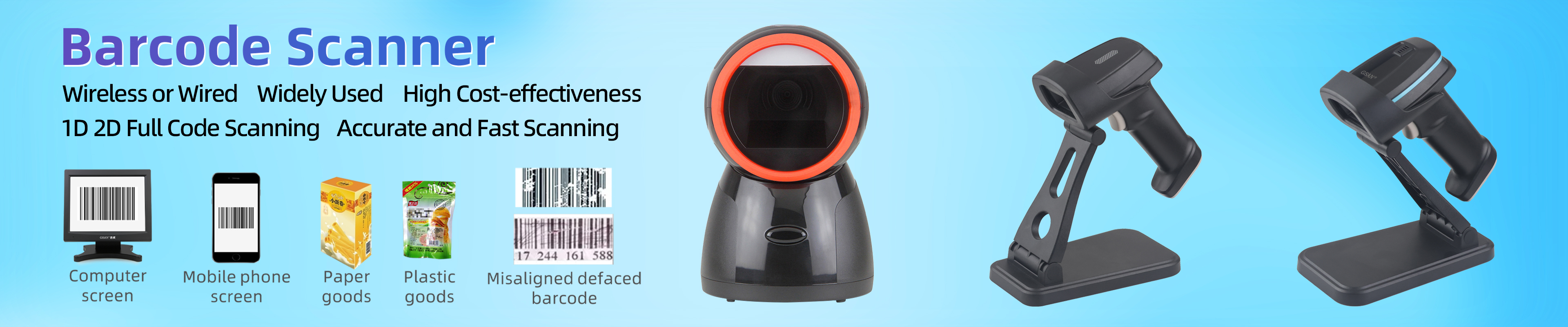
● Barcode Scanners: Speed up the checkout process by quickly reading product codes.
● Receipt Printers: Provide customers with printed proof of purchase.
GSAN offers innovative solutions like the GS-X3 pos and GS-TD30, which exemplify the capabilities of Android POS systems.
Product Model | Features | Applications |
GS-X3 pos | Touch-screen interface, cost-effective | Retail, small businesses |
GS-TD30 | All-in-one terminal, designed for restaurants | Full-service cash register |
These products not only enhance transaction efficiency but also integrate seamlessly with various business workflows.
The software aspect of an Android POS system is just as crucial as its hardware. Various applications are available, providing businesses with the tools they need to manage sales and customer interactions.
● Square: Known for its simplicity and ease of use, Square offers robust features for small businesses.
● Shopify POS: This application integrates online and offline sales, making it perfect for retailers with both physical and digital presences.
● Loyverse: A free POS solution that includes inventory management and customer loyalty features.
These applications typically include:
● Transaction Processing: They handle sales quickly and securely, ensuring a smooth checkout experience.
● Inventory Management: Businesses can track stock levels in real-time, reducing the risk of overstocking or stockouts.
● Customer Relationship Management (CRM): This feature allows businesses to gather customer data, enabling personalized marketing efforts.
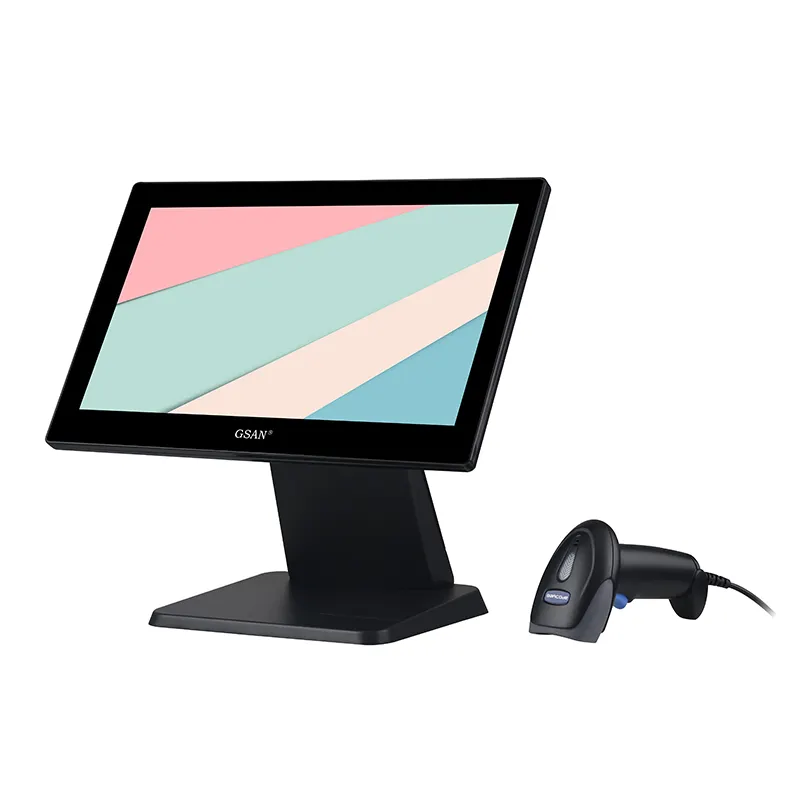
One of the main advantages of an Android POS system is its cost-effectiveness. Compared to traditional POS systems, Android solutions often come at a lower price point, making them accessible for a wide range of businesses. The initial investment in hardware and software is significantly reduced, allowing companies to allocate their budgets more efficiently.
By opting for off-the-shelf Android devices instead of proprietary hardware, businesses can save significantly. This flexibility enables small to medium-sized enterprises to invest in other critical areas, such as marketing or inventory management, rather than spending excessively on outdated technology.
Feature | Android POS Systems | Traditional POS Systems |
Initial Setup Cost | Lower | Higher |
Hardware Flexibility | High | Limited |
Software Licensing Fees | Variable | Often fixed |
GSAN emphasizes providing affordable solutions tailored for smaller enterprises. Their approach ensures that businesses can access modern technology without breaking the bank. By leveraging existing Android devices, companies can start using a POS system quickly and economically. This means that even startups can benefit from advanced transaction management without a hefty price tag.
Android POS systems excel in portability and flexibility, which are essential features for modern businesses. They are perfect for various use cases, such as line busting during peak hours, tableside ordering in restaurants, or even at pop-up events. This adaptability allows businesses to efficiently serve customers in different environments, enhancing the overall customer experience.
● Line Busting: Speed up transactions during busy times by using handheld devices, reducing wait times and improving customer satisfaction.
● Tableside Ordering: Enhance customer experience by allowing servers to take orders directly at the table, which can lead to increased sales through upselling and faster service.
● Pop-Up Events: Easily set up a POS system anywhere, making it ideal for temporary sales locations, festivals, or markets, allowing businesses to reach new customers without significant overhead.
GSAN’s Android POS systems are designed to cater to diverse industries, including retail and catering. Their solutions provide the flexibility needed to adapt to various business models and customer demands, ensuring that businesses can maintain high service levels regardless of where they operate.
The familiarity of the Android interface is another key benefit of using an Android POS system. Employees often find it easy to navigate, which leads to reduced training time and increased efficiency. The intuitive design of Android systems means that staff can quickly learn to operate the system without extensive training, allowing them to focus on providing excellent customer service.
● Intuitive Interface: The user-friendly interface resembles that of popular smartphones and tablets, making it easy for employees of all ages and tech-savviness to adapt quickly.
● Increased Productivity: A straightforward design allows staff to focus on customer service rather than struggling with technology, leading to faster transaction times and improved customer satisfaction.
GSAN’s user-friendly designs significantly enhance employee productivity. By minimizing the learning curve, businesses can ensure that their teams are ready to serve customers effectively from day one. This efficiency translates into better service quality, ultimately driving customer loyalty and repeat business.
One of the standout features of an Android POS system is its payment versatility. These systems support a wide range of payment methods, ensuring that businesses can cater to their customers' preferences. This includes traditional EMV chip cards, contactless payments like NFC, and mobile wallets such as Apple Pay and Google Pay.
Payment Method | Description |
EMV Chips | Secure transactions using chip technology. |
Contactless Payments | Quick and convenient tap-to-pay options. |
Mobile Wallets | Integration with apps like Apple Pay. |
GSAN's POS systems are designed to be compatible with various payment options, making it easier for businesses to accept payments in the way their customers prefer. This flexibility not only enhances customer satisfaction but also helps businesses keep up with evolving payment trends.
Android POS systems come equipped with powerful business intelligence tools that provide valuable insights into sales and inventory. These analytics features allow businesses to make data-driven decisions, enhancing operational efficiency and profitability.
● Real-Time Sales Reports: Businesses can monitor sales performance as it happens, helping them identify trends and adjust strategies on the fly.
● Inventory Alerts: Automated alerts notify managers when stock levels are low, preventing stockouts and ensuring that popular items are always available.
GSAN's solutions excel in delivering these insights, empowering businesses to make informed decisions. By utilizing the data collected through their POS systems, companies can optimize their inventory management and improve customer service.
Another critical feature of Android POS systems is their offline functionality. These systems can operate without internet connectivity, which is essential for maintaining uninterrupted service during outages or in remote locations.
● Continuous Operation: Even without an internet connection, transactions can still be processed, ensuring that businesses do not lose sales opportunities.
● Data Synchronization: Once the connection is restored, all offline transactions are automatically synced with the central database, keeping records accurate and up-to-date.
This capability is particularly beneficial for businesses in areas with unreliable internet access. GSAN’s Android POS systems are designed to ensure that operations run smoothly, regardless of connectivity issues. This reliability can make a significant difference in customer experience and overall operational success.
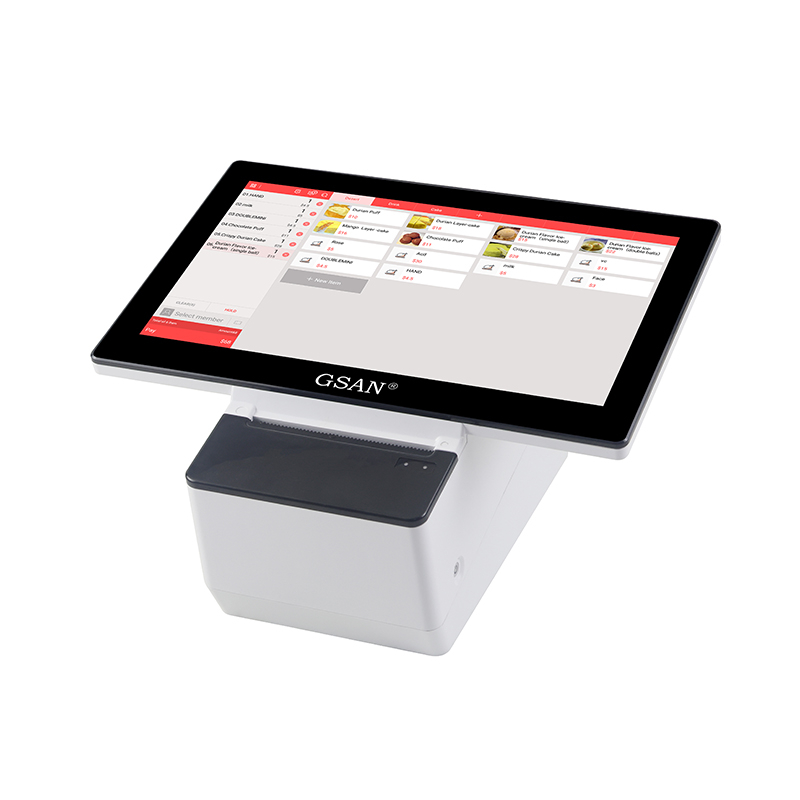
Cost-effectiveness is a crucial factor when implementing an Android POS system, and bulk production plays a significant role in reducing costs for businesses. By manufacturing devices in larger quantities, companies can take advantage of economies of scale. This approach not only lowers the per-unit cost but also streamlines the supply chain, making it easier to manage inventory and reduce lead times.
Selecting the right materials is essential for balancing budget constraints and quality requirements. Businesses can choose from a variety of materials that meet their needs without compromising performance. For instance, opting for durable yet cost-effective materials can help ensure that the hardware withstands daily use while keeping production costs manageable.
Material Type | Benefits | Cost Considerations |
Plastic | Lightweight, cost-effective | Less durable than metal |
Aluminum | Durable, lightweight | Higher initial cost |
Composite Materials | Strong yet affordable | Varies based on specific composition |
GSAN employs strategies to optimize production costs while maintaining high quality. By focusing on bulk production and careful material selection, they can deliver reliable Android POS systems that meet the needs of diverse businesses without breaking the bank.
Another key strategy for cost-effectiveness is minimizing waste through advanced manufacturing techniques. The use of Computer-Aided Design (CAD) in production helps to create precise designs, reducing material waste and ensuring that every component is utilized efficiently. This focus on waste reduction not only saves money but also contributes to sustainability efforts.
Automated manufacturing processes offer several advantages, including:
● Increased Efficiency: Automation speeds up production times, allowing for quicker turnaround and delivery to clients.
● Consistency and Quality Control: Machines can produce components with high precision, reducing variability and ensuring consistent quality across all units.
● Lower Labor Costs: Automation reduces the need for manual labor, which can significantly lower production costs over time.
GSAN is committed to sustainability through efficient production methods. By integrating automation and waste reduction strategies, they ensure that their Android POS systems are not only cost-effective but also environmentally friendly. This commitment to sustainability resonates with businesses looking to reduce their carbon footprint while investing in reliable technology.
Android POS systems offer versatile solutions for businesses. They support various payment methods and provide essential analytics tools. Customization capabilities ensure these systems meet specific industry needs.
When choosing an Android POS system, consider your business goals and integration needs. Explore GSAN's offerings for tailored solutions that enhance efficiency and reduce costs. Investing in the right POS technology can significantly improve your operations.
A: Android POS systems are ideal for retail, restaurants, and service-based industries, providing tailored solutions for various operational needs.
A: They use encryption for transactions, comply with PCI standards, and support EMV chip technology to enhance payment security.
A: Yes, Android POS systems can seamlessly integrate with existing software, including accounting and inventory management tools.
A: Consider customization options, payment versatility, integration capabilities, and the specific needs of your business.
A: GSAN offers tailored solutions, strong customization support, and a commitment to quality, ensuring efficient and reliable performance.


